# User Manual
| Deployment Manual | Version | Compiled By | Date |
|---|---|---|---|
| Video Surveillance User Manual | V1.0.0 | Wang Jiale | 2022.11.11 |
Create a New Page
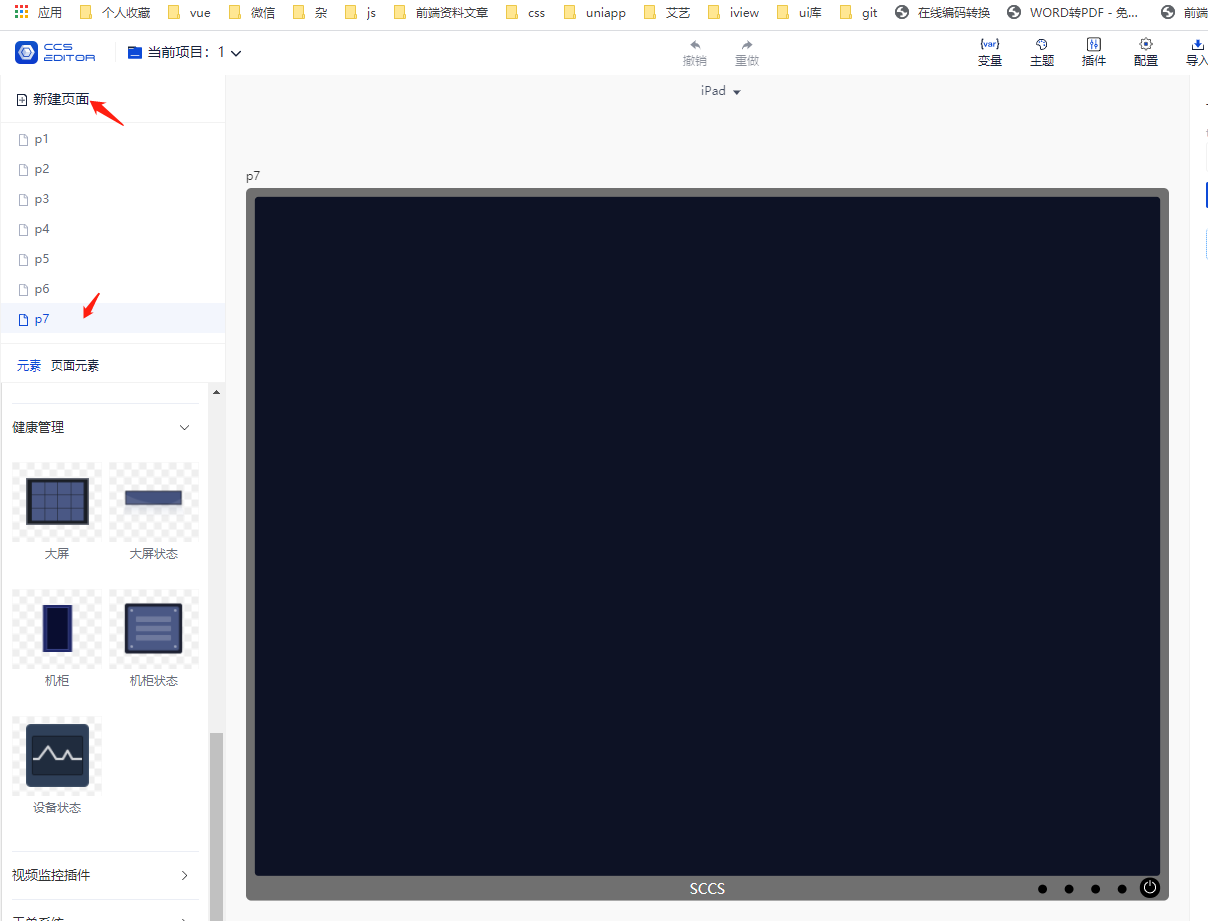
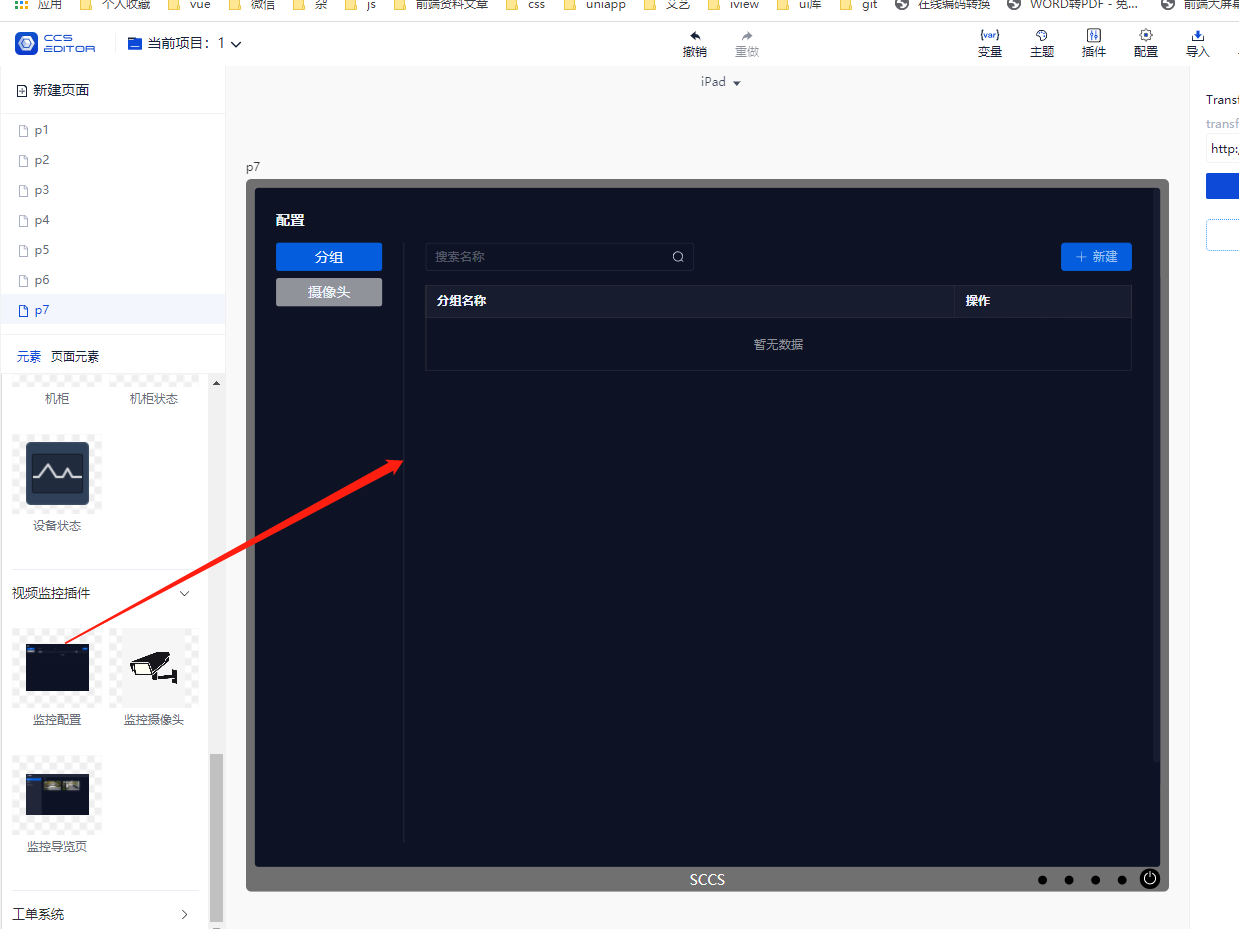
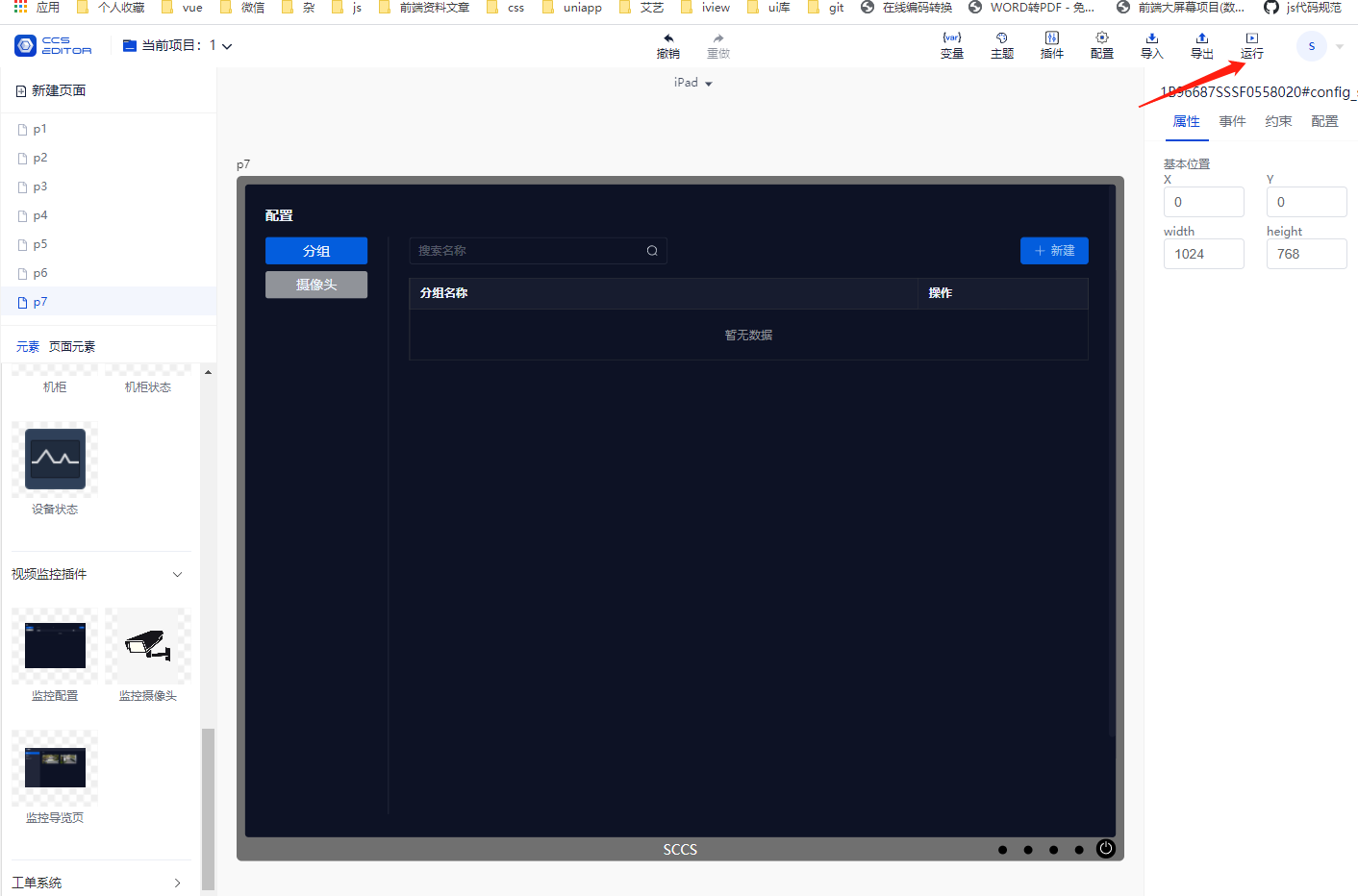
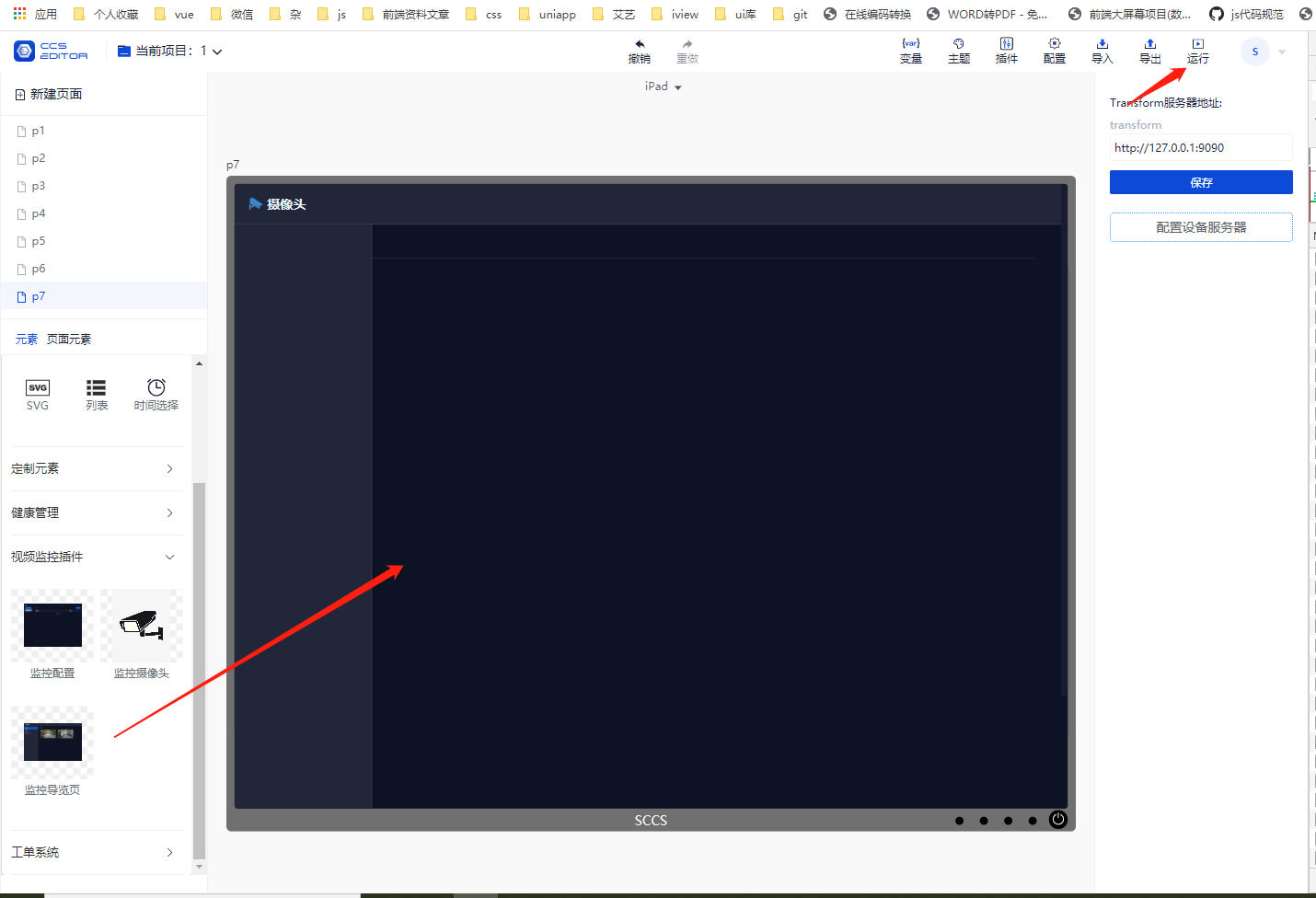
Drag in the Surveillance Configuration Page
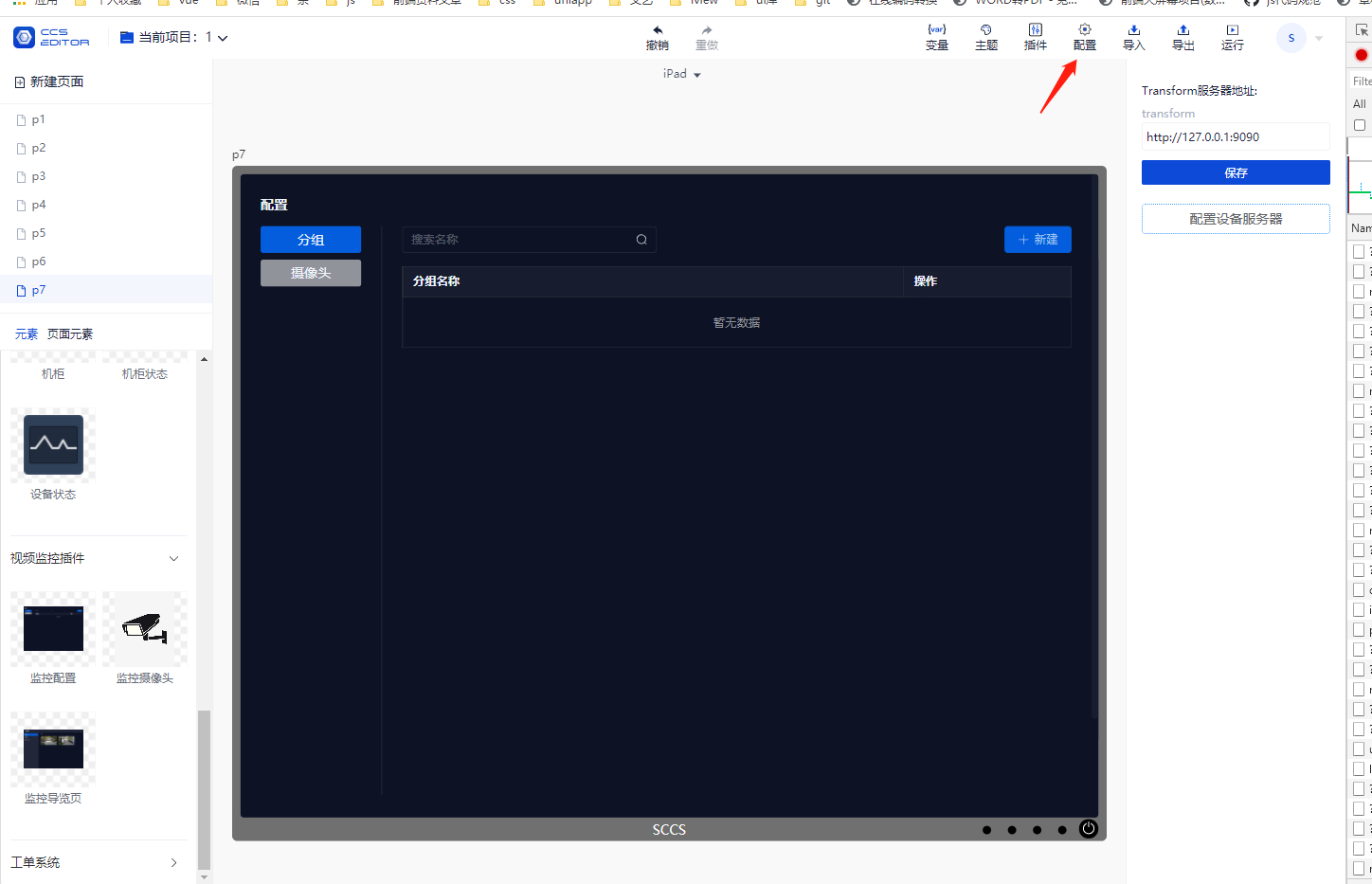
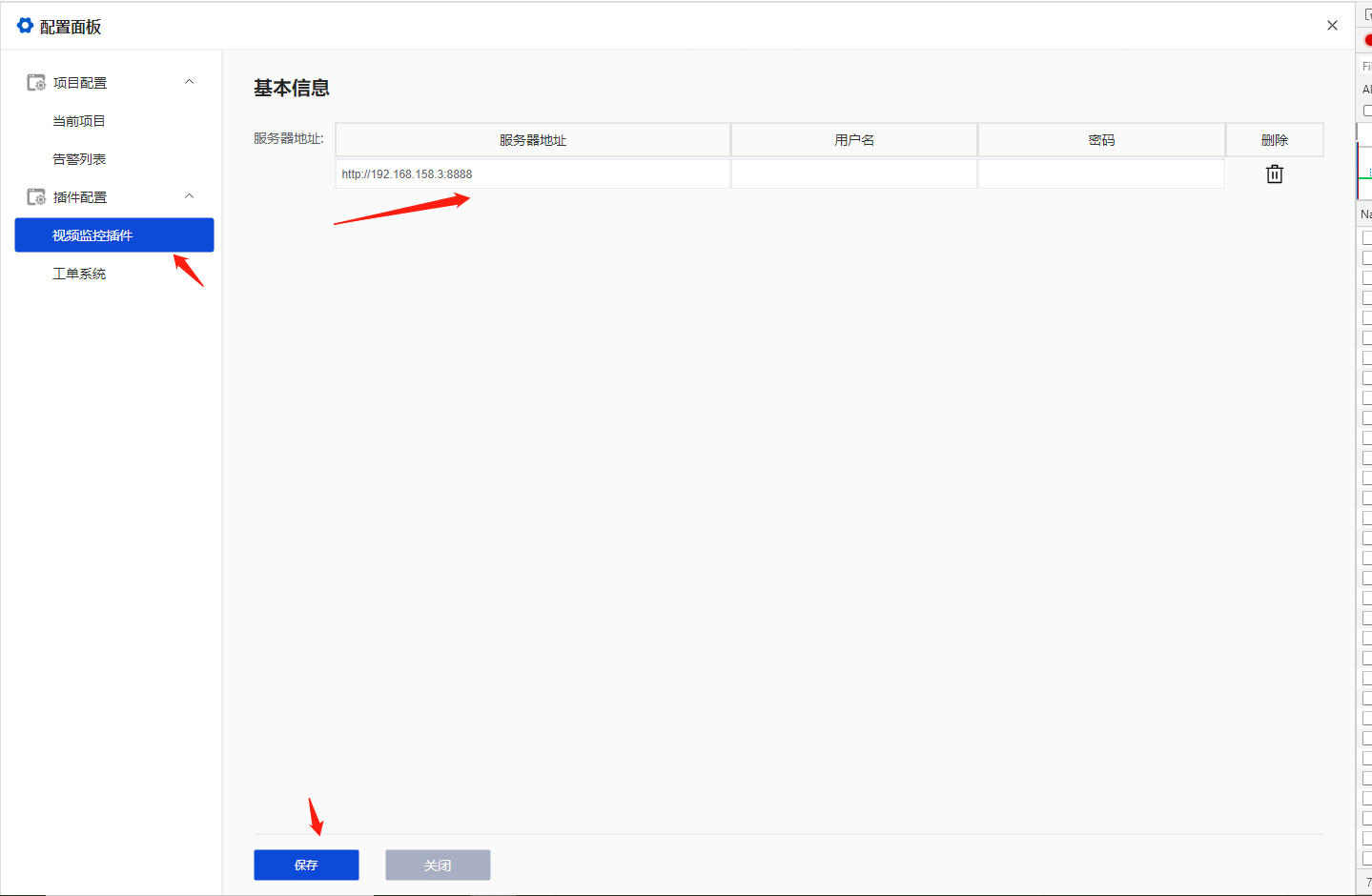
Click on Configuration ---> Configure Server Address ---> Click Run
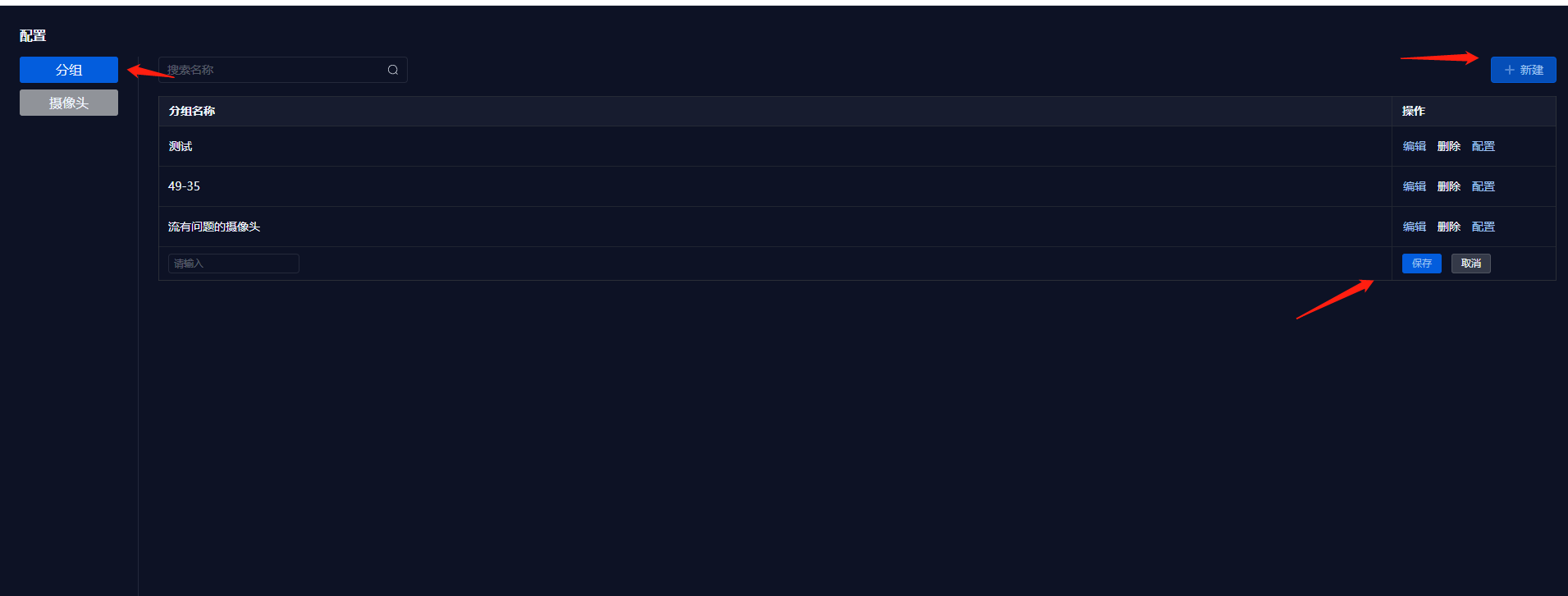
Create a New Video Group
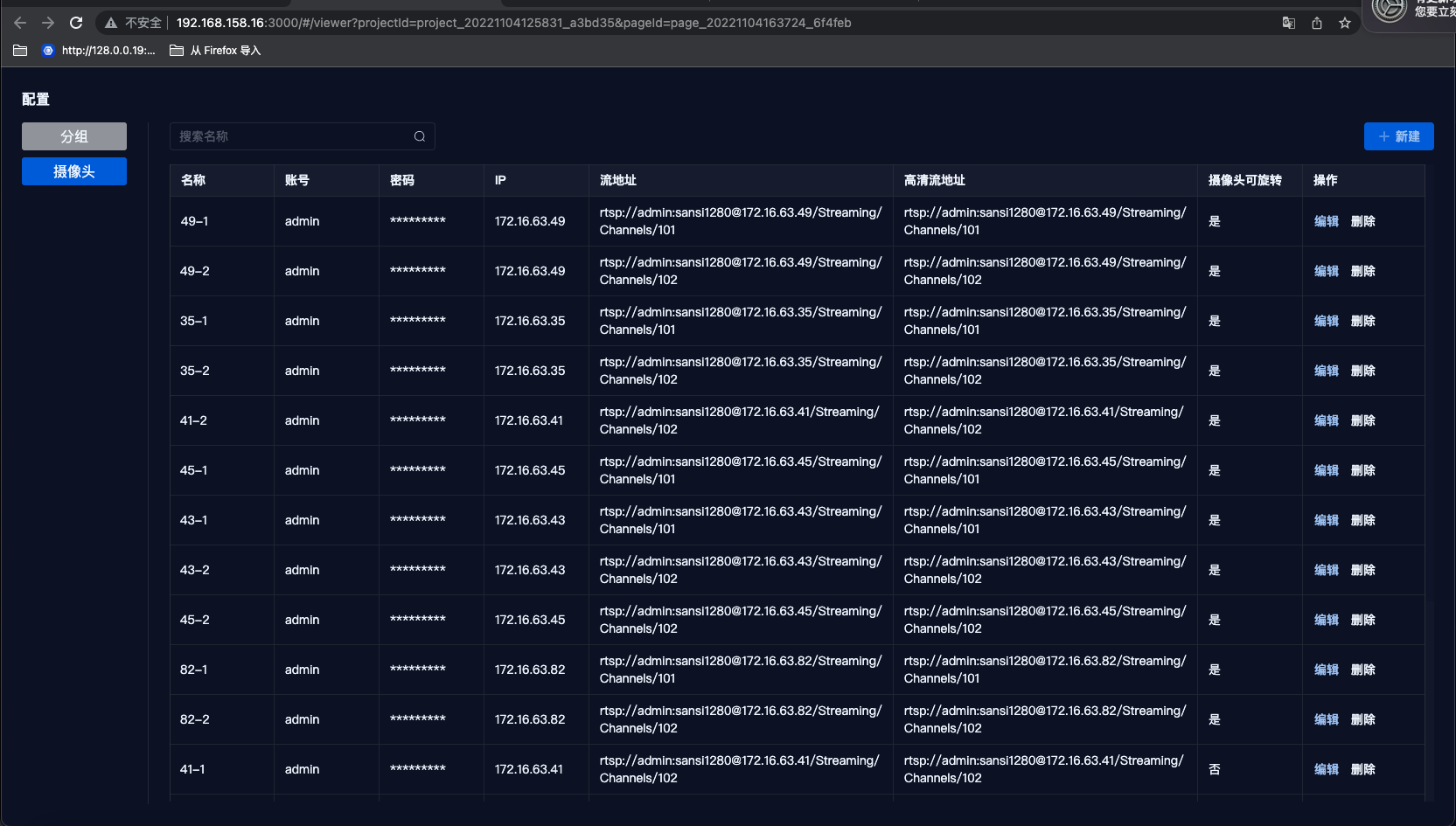
Add a New Camera
Note: For stream addresses, use the lower resolution address for standard streams and the higher resolution address for HD streams.
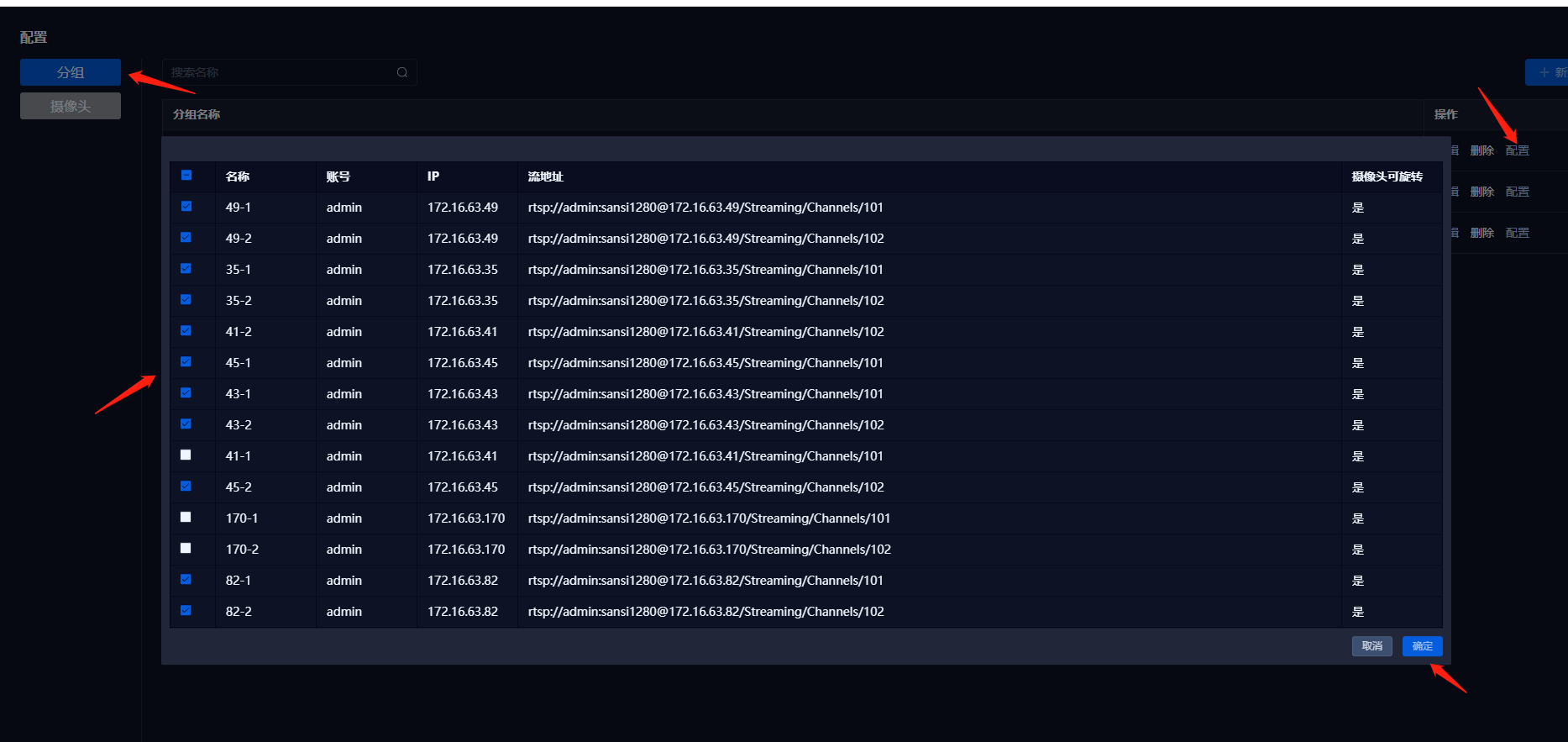
Select the Group ---> Click Configure ---> Check the Camera ---> Confirm
Bind Camera on a Separate Page
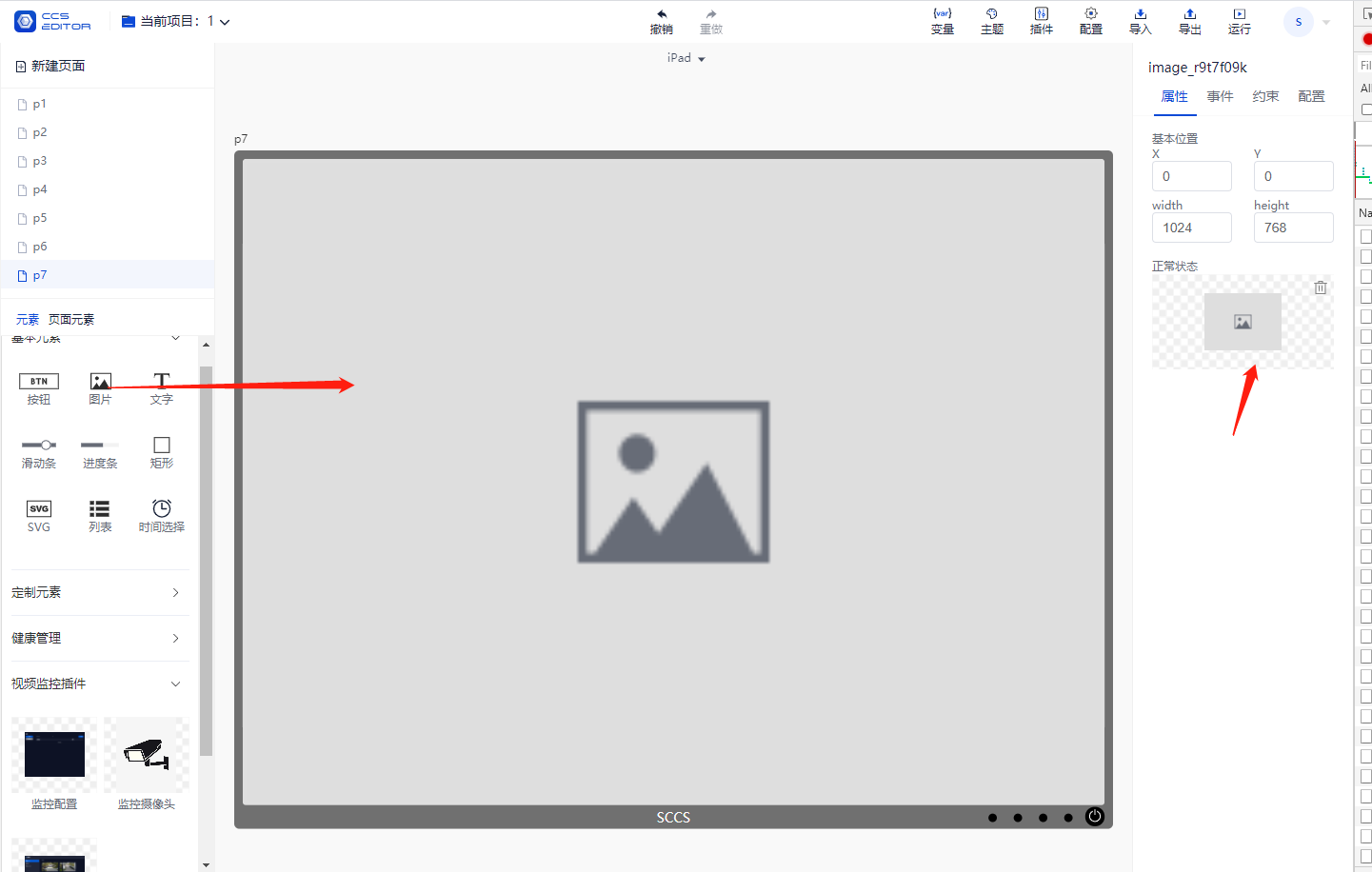
First, select a background image and set the floor background;
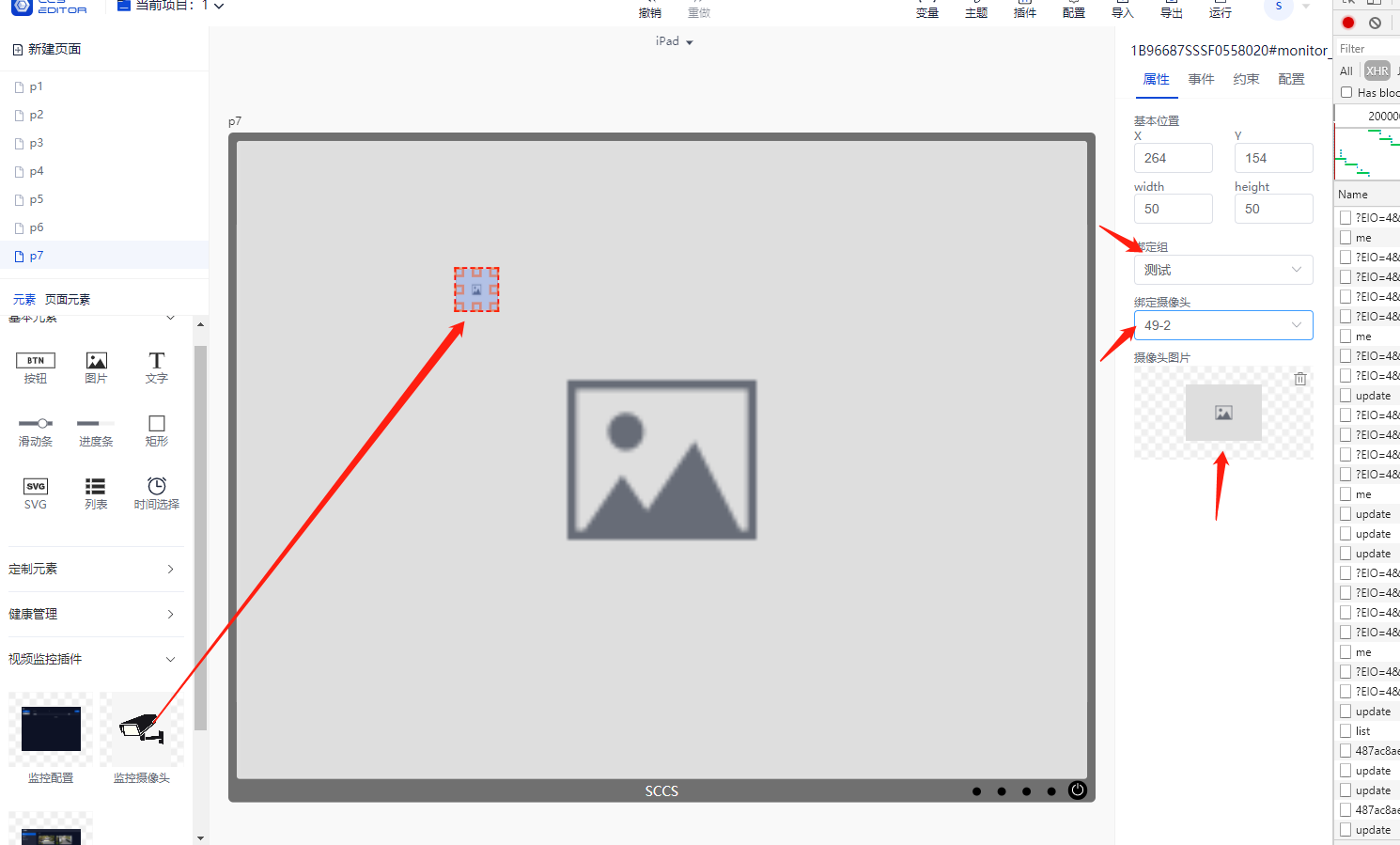
Drag in the surveillance camera ---> Bind Group ---> Bind Camera ---> Bind Camera Image
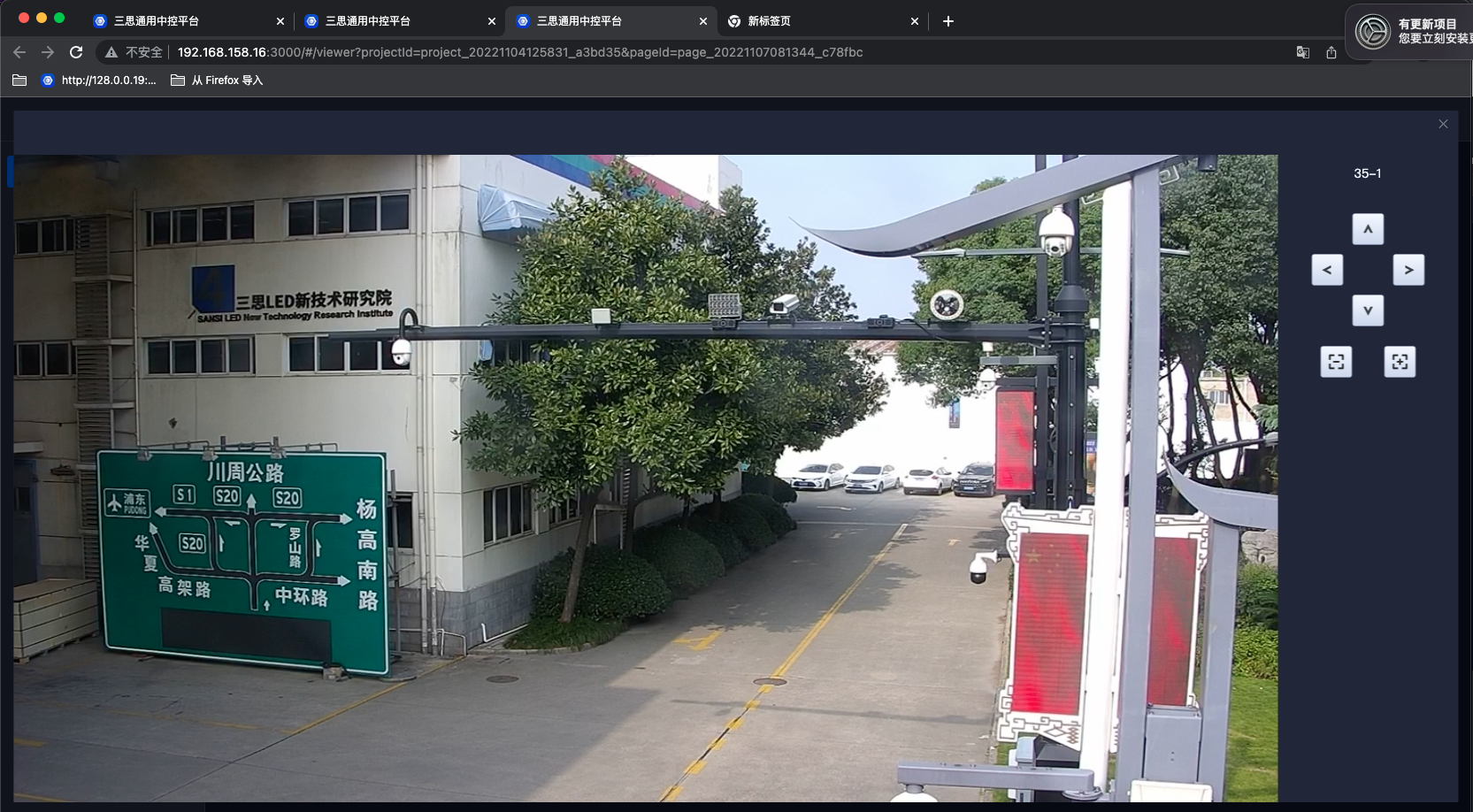
Click Run, then click on the camera to view.
Drag in the Surveillance Navigation Page, click Run to view.
The camera group list on the Control Page is as follows:
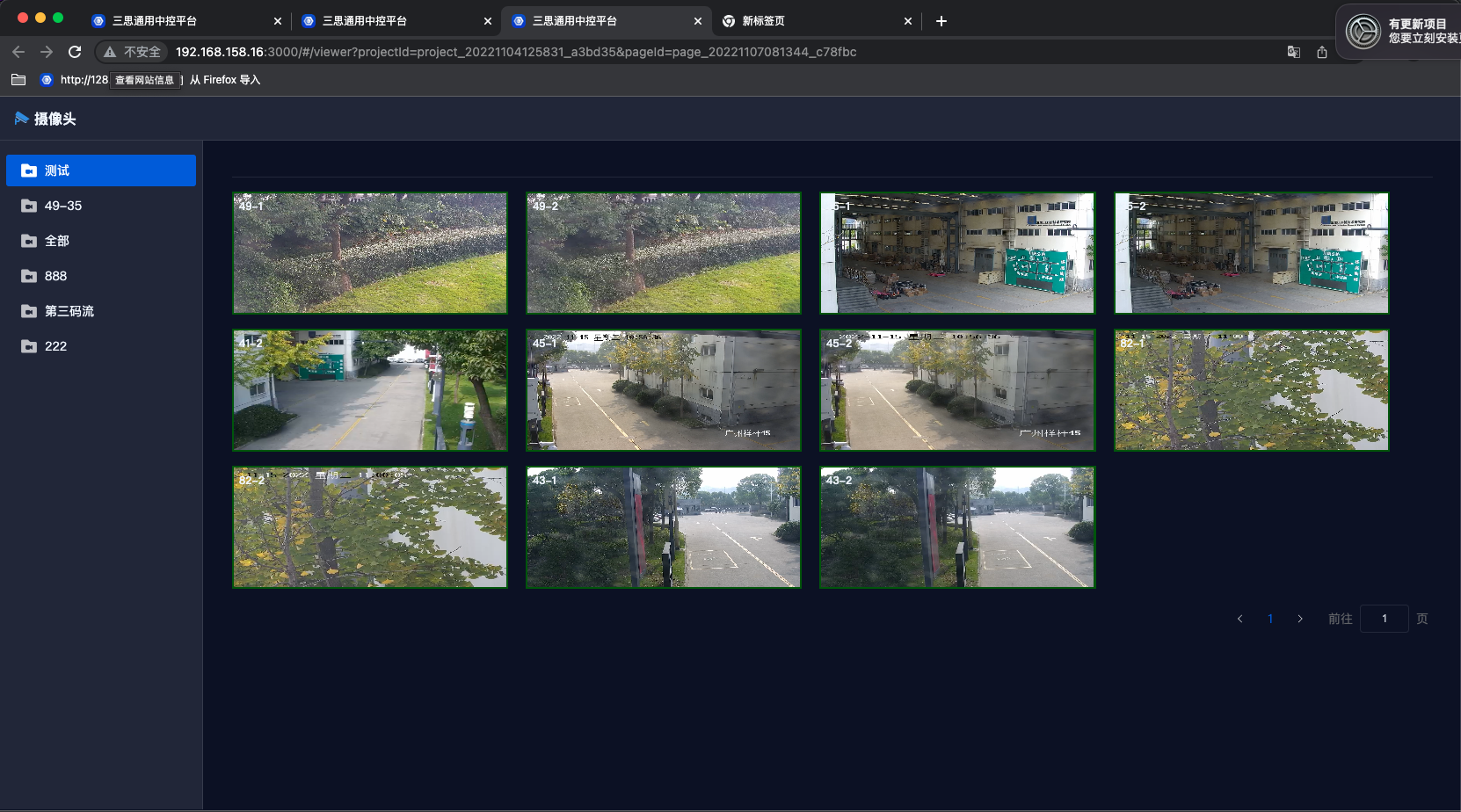
Click on the video in the list to view high-definition video surveillance and PTZ control.